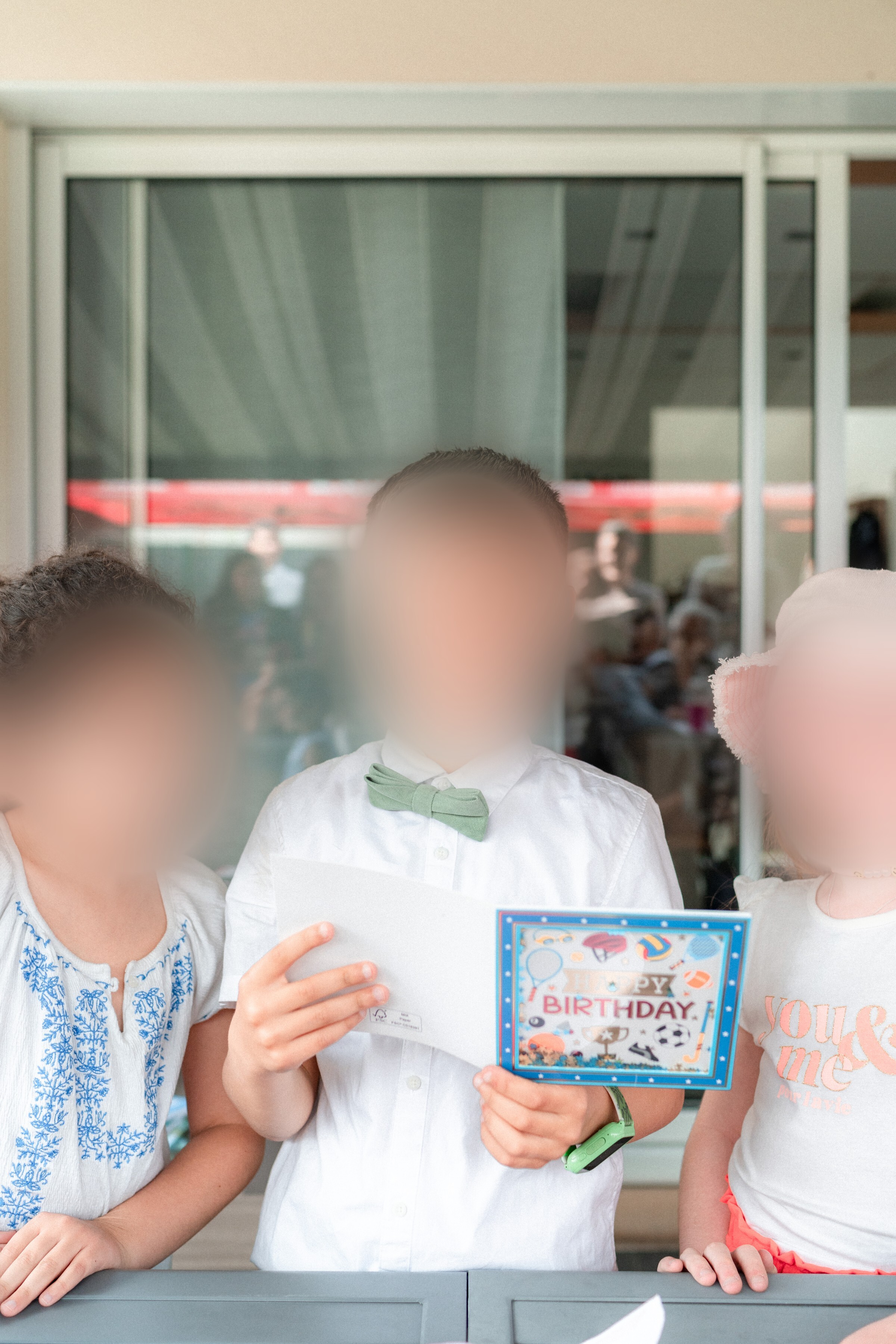
A feature that automatically blurs the faces of people without image consent, designed for schools, associations, and events subject to image rights rules.
Why image rights remain a headache for schools and associations
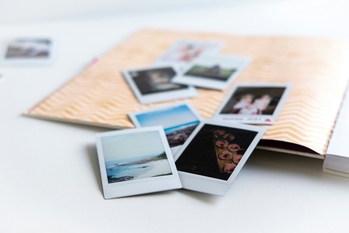
Anyone who organizes group photography knows this problem well: some parents or participants haven't given their consent for their image to be used, yet group photos remain essential to school or association life. How do you distribute a class gallery when three students out of twenty-five can't appear in it? Until now, the only solution was to manually retouch each photo, a long, tedious task prone to errors. An automatic blurring feature directly addresses this need by eliminating that manual work.
How exclusion-based blurring works
Take the example of a school where all parents have signed a consent form except for three students. The teacher uploads photos to the platform as usual. Face detection happens automatically, and all that's needed is to select the faces of the unauthorized children in a few clicks. Blurring is then applied across all photos where these faces appear, before the gallery is distributed to families. This works just as well for schools as for summer camps, associations, or a photographer capturing a street scene without being able to obtain consent from everyone present.
The whitelist: only showing authorized faces
The feature also works in reverse. You can define a list of authorized faces simply by submitting a selfie from each person concerned. Once this whitelist is created, the platform automatically hides all other faces present in the imported photos. This reversed mode is particularly useful for a private event where only certain people should appear in the final gallery, for example during a filming session or targeted institutional communication. With these two approaches, blacklist or whitelist, you have two complementary ways to lock down a gallery according to the actual permissions granted.
What happens to facial recognition data?
The question of privacy naturally arises as soon as facial recognition is mentioned. On the platform, all facial processing is directly tied to the gallery concerned, and to that gallery alone. As soon as the gallery is deleted, the associated facial fingerprints are immediately destroyed, with no retention or archiving. In practice, this means it's impossible to cross-reference the presence of the same person between the galleries of two different photographers, even if that person appears in both photo sets. Each gallery remains an isolated bubble, guaranteeing privacy-respectful processing at every stage. This approach requires significant computing resources, which is why it isn't yet available to everyone (only Gold subscriptions), but it represents a serious path toward reconciling photo sharing with respect for image rights in collective contexts.