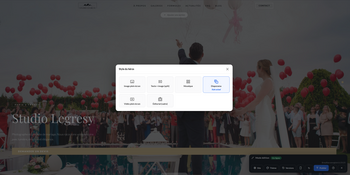
Discover how to connect ChatGPT, Claude, Gemini or Mistral to your galleries to write texts and chapters directly from your workspace.
Why connect an artificial intelligence to your gallery?
Many photographers already use ChatGPT, Claude, or Gemini to write the description of a wedding, present a photo session, or draft a gallery chapter. The usual problem is the constant back-and-forth between the AI interface and the gallery management tool: you generate a text on one side, copy it, switch back, paste it, then adjust it. This repeated manipulation wastes time, especially when several blocks of text need to be written for the same gallery.
How does this connection work?
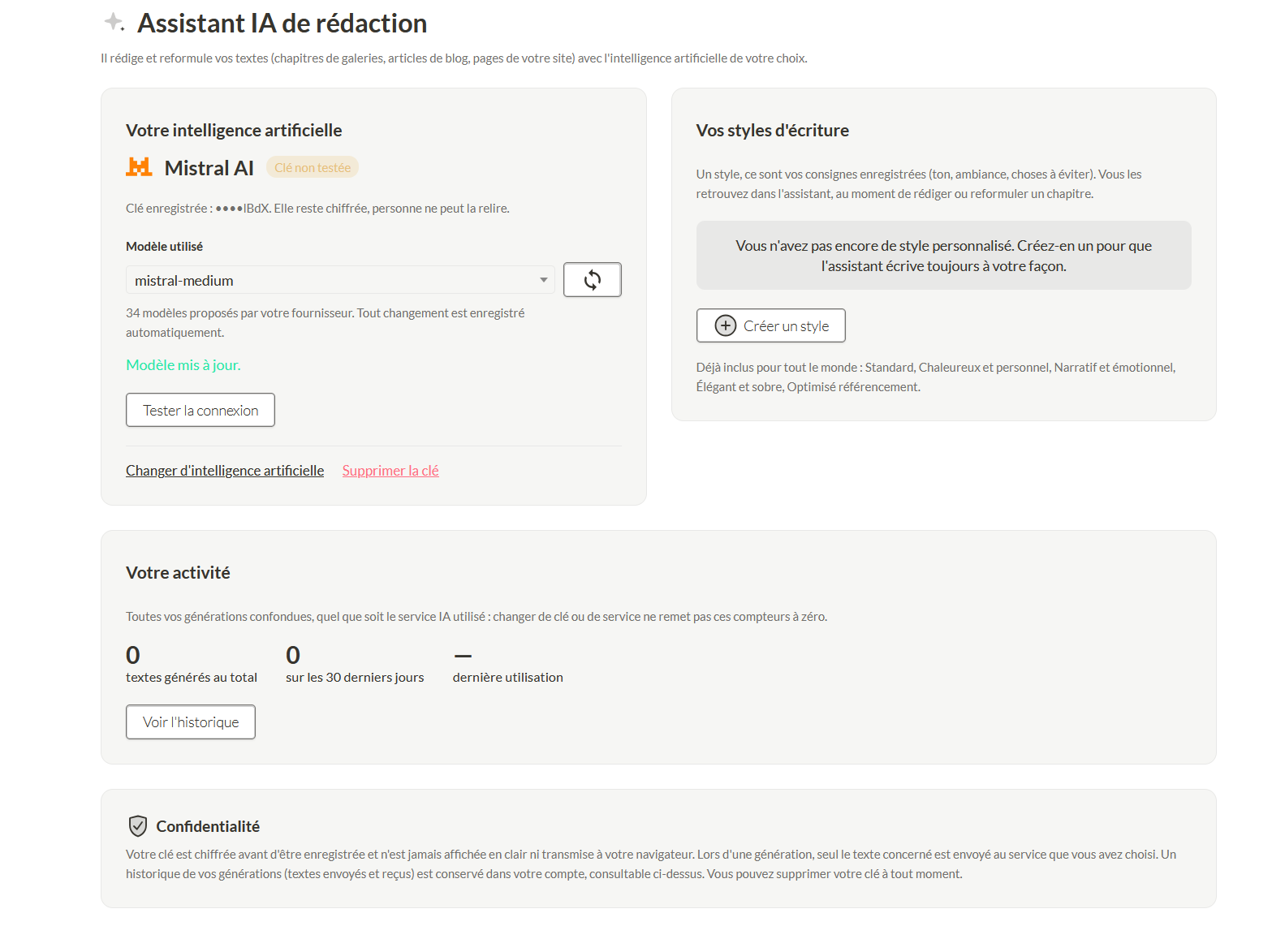
The solution is to connect your AI assistant directly to your workspace. In practice, you simply generate an API key from the AI service you use, then save it in your account settings. Once this key is activated, the AI becomes accessible directly within the interface, without switching tabs or software. You write your blog posts or gallery chapters without ever leaving your workspace.
Do you need a paid AI subscription?
No, it's not required. Solutions like Mistral or Gemini offer free usage as long as it stays within reasonable limits. That's more than enough to write gallery texts or occasional blog posts. If you have heavier needs, or if you prefer the writing quality of ChatGPT or Claude, you can of course use your existing subscription: it's your API key, and therefore your subscription, that gets used.
Is this feature reserved for paid accounts?
No, it isn't. It's available from a free account, since you're the one covering the AI subscription if you choose a paid one. The platform's role is limited to acting as the technical bridge between your AI and your workspace, sparing you the repetitive back-and-forth.
What can the AI write once connected?
Once the API key is activated, the artificial intelligence can help you write your blog posts, your gallery chapters, and depending on your plan, every text block on your homepage. The goal remains the same: save you time on writing, without complicating the way you work.